Jump to Content
tatatelebusiness
HomeGuidesAPI ReferenceRelease Notes
Log Intatatelebusiness
Guides
Log In
HomeGuidesAPI ReferenceRelease Notes
All
Pages
Start typing to search…

Introduction

  • Getting Started
  • Dashboard
  • Business Information
  • Profile
  • Change and Forgot Password
  • How to Raise a Service Request (SR)
  • Sign Out

Active Calls

  • Active Calls

users

  • Add User
  • All Users
  • Pending Users

Services

  • My Numbers
  • Time Groups
  • Time Conditions
  • IVR
  • Auto-Attendant
  • Agents
  • Departments
  • System Recordings
  • Voicemail
  • Outbound Services
    • Manage Campaigns
      • Dialer Campaign
      • Broadcast Campaign
    • Dialer Inbound Queue
    • Lead Lists
    • Disposition List
    • Pause Code List
    • Account DND List
    • Quick Transfer List
    • CSAT Survey
    • Dialer Skill Lists
    • Agent Script
    • TTS
    • Reports
    • Deleted Call Broadcast
  • Manage Contacts
  • Template Management
  • Dynamic Dialplan
  • Short URL Campaign
  • AC-CID Lists
  • Agent Disposition
  • Survey Campaign
  • Direct Inward System Access (DISA)
  • Scheduled Calls

DIALER AGENT PANEL

  • Inbound Calls
  • Call Operations
  • Call Disposition
  • Call Detail Records
  • Manual Dial
  • Schedule Calls
  • View Agent Script
  • Update Lead Data
  • Availing Breaks

Integrations

  • HPBX Integrations
    • Zoho CRM
    • HubSpot
    • Salesforce CRM
    • Bitrix24
    • MS Teams
    • Freshsales
    • Microsoft Dynamics 365
    • Kapture
    • Freshdesk
    • Zendesk
    • Webhook Integration with Google Sheets
    • Smartflo Microsoft Azure AD
    • Sangam CRM
    • Leadsquared
    • Corefactors
  • Dialer Integrations
    • ZOHO CRM
      • Zoho CRM Overview
      • Zoho CRM Integration Guide
      • How to use Zoho CRM
    • Leadsquared CRM
      • Leadsquared CRM Overview
      • Leadsquared CRM Integration Guide
      • How to use LSQ CRM
    • Salesforce CRM
      • Salesforce CRM Overview
      • Salesforce CRM Integration Guide
      • How to use Salesforce CRM
    • Freshsales CRM
      • Freshsales CRM Overview
      • Freshsales CRM Integration Guide
      • How to use Freshsales CRM
    • Freshdesk CRM
      • Freshsales CRM Overview
      • Freshsales CRM Integration Guide
      • How to use Freshdesk CRM
    • Zendesk CRM
    • Customer Connector CRM

API Connect

  • Webhook
    • Call Hangup Cause Codes (Q.850 Standard)
  • API Dialplan
  • API Tokens
  • Click to Call Support API

Call Detail Records

  • Call Detail Records (CDR)

Insights

  • INSIGHTS
    • Insights Dashboard
    • Call Performance Dashboard
    • Agent Performance Dashboard
    • Call Logs
    • AI Post-Call Analytics (PCA)

Reporting

  • Reporting Overview
  • Real Time Reporting
    • Active Calls
    • Agent Real Time Report
    • Department Wallboard Report
    • Dialer Real Time Report
  • Call Details
    • Call Detail Records (CDR)
    • Call Logs
  • HPBX Reporting
    • Agent Performance Report
    • Department Performance Report
  • Dialer Reporting
    • Dialer Agent Break Summary Report
    • Dialer Agent Performance
    • Dialer Campaign Performance
    • Dialer Campaign/Queue Half Hourly Summary Report
    • Dialer Agent Time Entry Report
    • Dialer Webform Report
    • Dialer Schedule Callbacks Report
    • Dialer CSAT Report
    • Dialer Video Call Logs
  • General
    • Custom Reports
    • Call Stats
    • Number-Wise Report
    • SIP Utilization Report
    • Channel Utilization Summary Report
    • Missed Call Report
  • Logs
    • Messaging Logs
    • SMS Logs
    • Webhook Logs
    • Activity Logs
    • API Logs
    • Email Logs

INTERACTIONS

  • Onboarding Guide
    • 🆕Configuring WhatsApp Voice and Messaging for New Customers
  • Template Management (OMNICHANNEL)
  • Permission to Users
  • Interactions Error Codes
  • FAQs on Interactions

INTERACTIONS (NEW)

  • 🆕Configuring WhatsApp Voice and Messaging for New Customers
  • 🆕Configuring WhatsApp Voice and Messaging for Old Customers

Channels Hub

  • Pre-requisites & Prep for WhatsApp Channel
  • Supported Media Types for WhatsApp

VOICE Streaming

  • Bi-Directional Audio Streaming Integration Document
  • Standard Operating Procedure (SOP) for VOICE Streaming
  • Dynamic and Static WebSocket options in the Voice Streaming page

SETTINGS

  • User Management
    • Manage Roles
      • Add User Role
      • All Roles
    • Manage Team
      • All Members
  • IP Pool Whitelisting
  • Manage Settings
    • Manage SFTP
      • Add SFTP
      • All SFTP
      • Azure SFTP Server Setup for Call Recordings Storage
    • Manage AWS
      • Manage Remote Storage
      • Bring Your Own AWS Bucket (BYOB) Guide
  • Reset Password
  • Channels
  • Business Information
    • Profile
  • Logo Management
  • CDP List Management
  • Sign Out

miscellaneous documentation

  • Smartflo Softphone
    • Softphone Chrome extension (Open VPN)
    • Smartflo Softphone Mac (Open VPN)
    • Smartflo Softphone Windows (Open VPN)
    • Softphone on Android phone
    • Softphone on IOS
  • Cause Codes
  • Click to Call and Service Management App
    • IOS
    • Android
    • FAQs
  • Smartflo Microsoft Azure AD
  • Notification Based WhatsApp Setup Guide

Policies

  • Data Retention Policy
  • Customer Service Support SLA
Powered by 

User Management

Suggest Edit
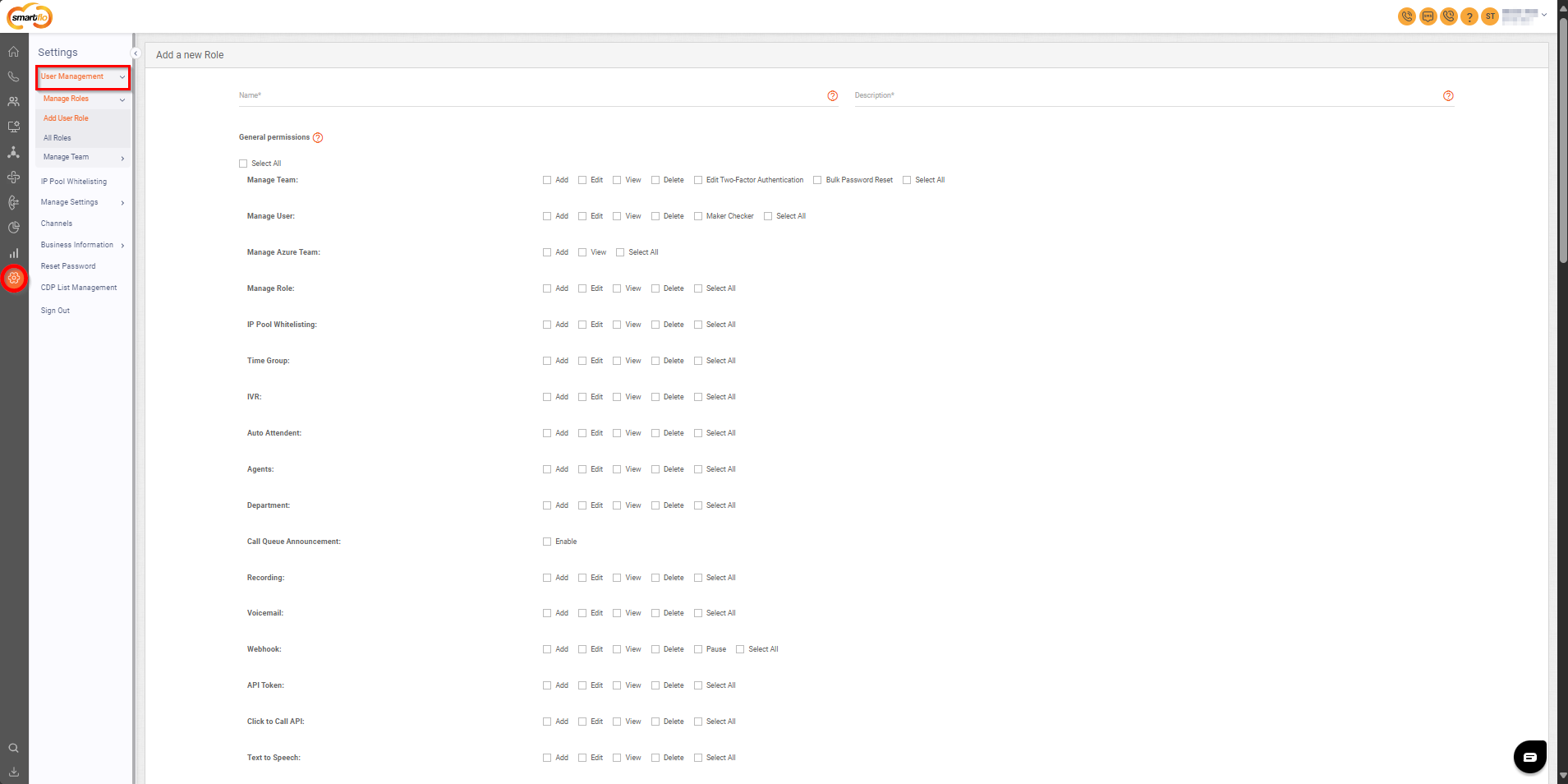
  • User Management allows you to manage users by adding team members and giving them specific roles with different permissions.

Updated 11 months ago


Dynamic and Static WebSocket options in the Voice Streaming page
Manage Roles