
Calling & Operations
📞 Call Operations
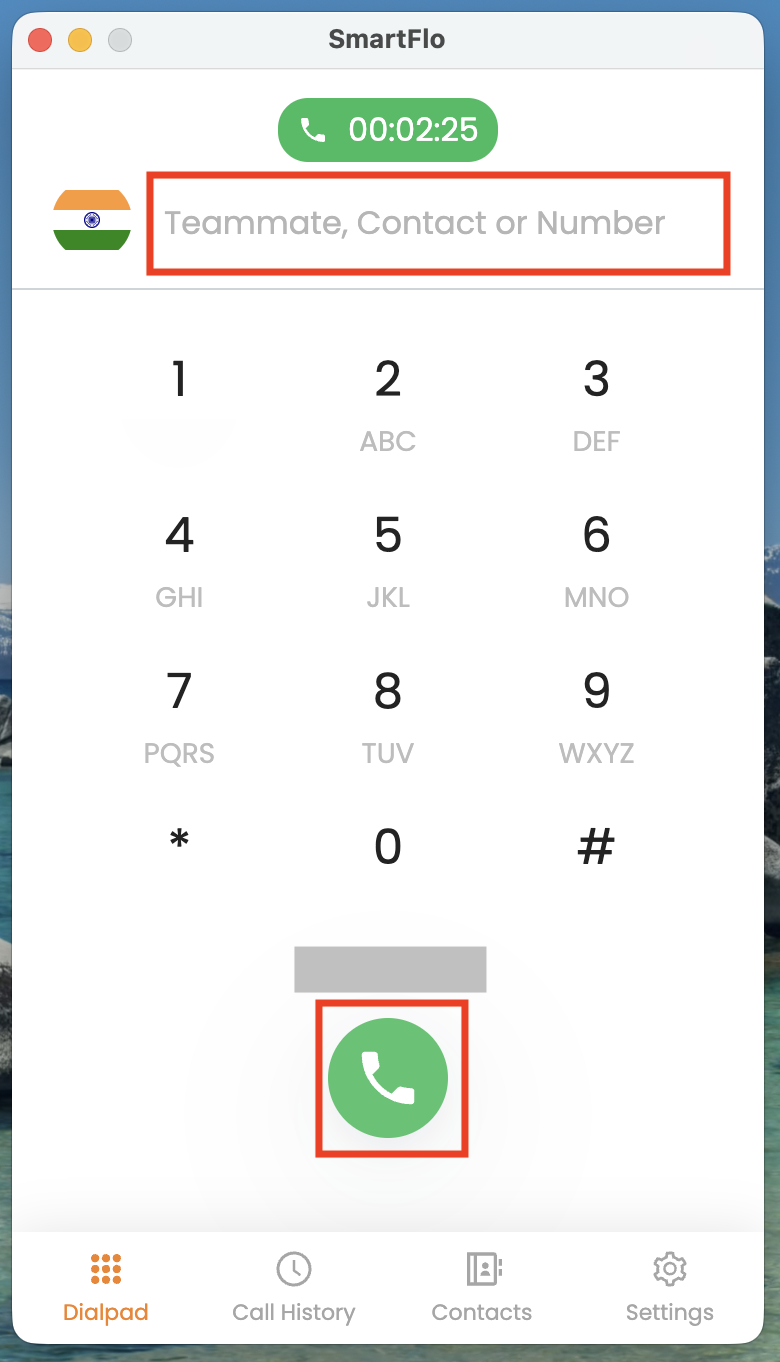
Make a Call
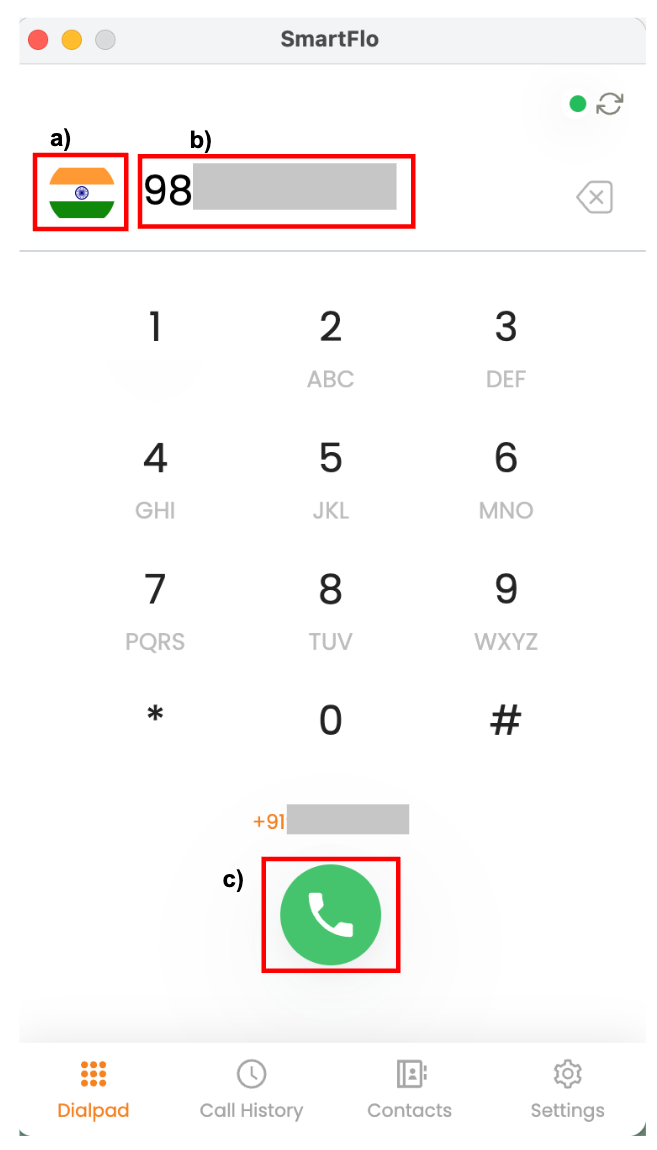
a. Change your country.
b. Enter the number you want to dial.
c. Click to dial the number.
Description:
This allows you to initiate an outbound call to any customer or contact. Ensure the number is entered correctly along with the correct country code.
Call Controls
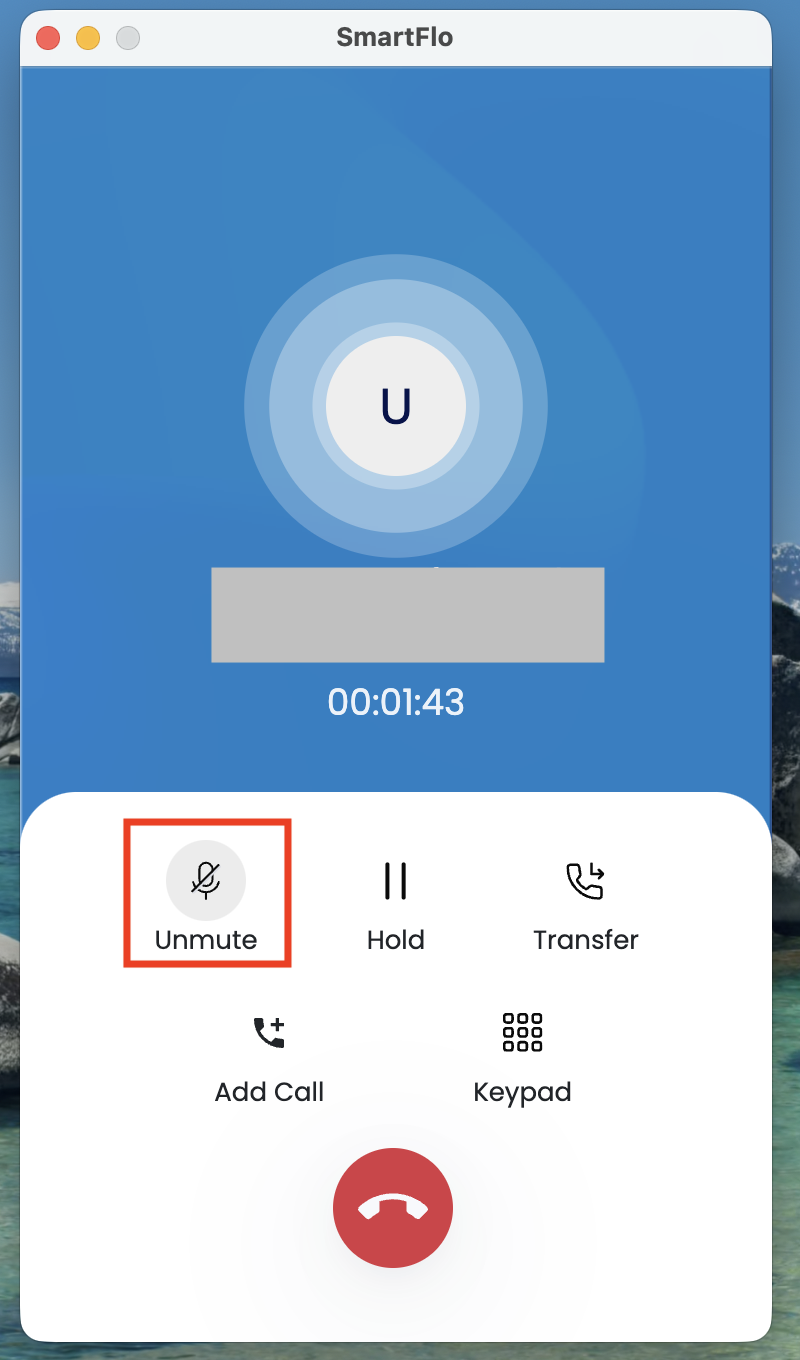
🔹 Mute
Click on Mute during a call
🔹 Hold
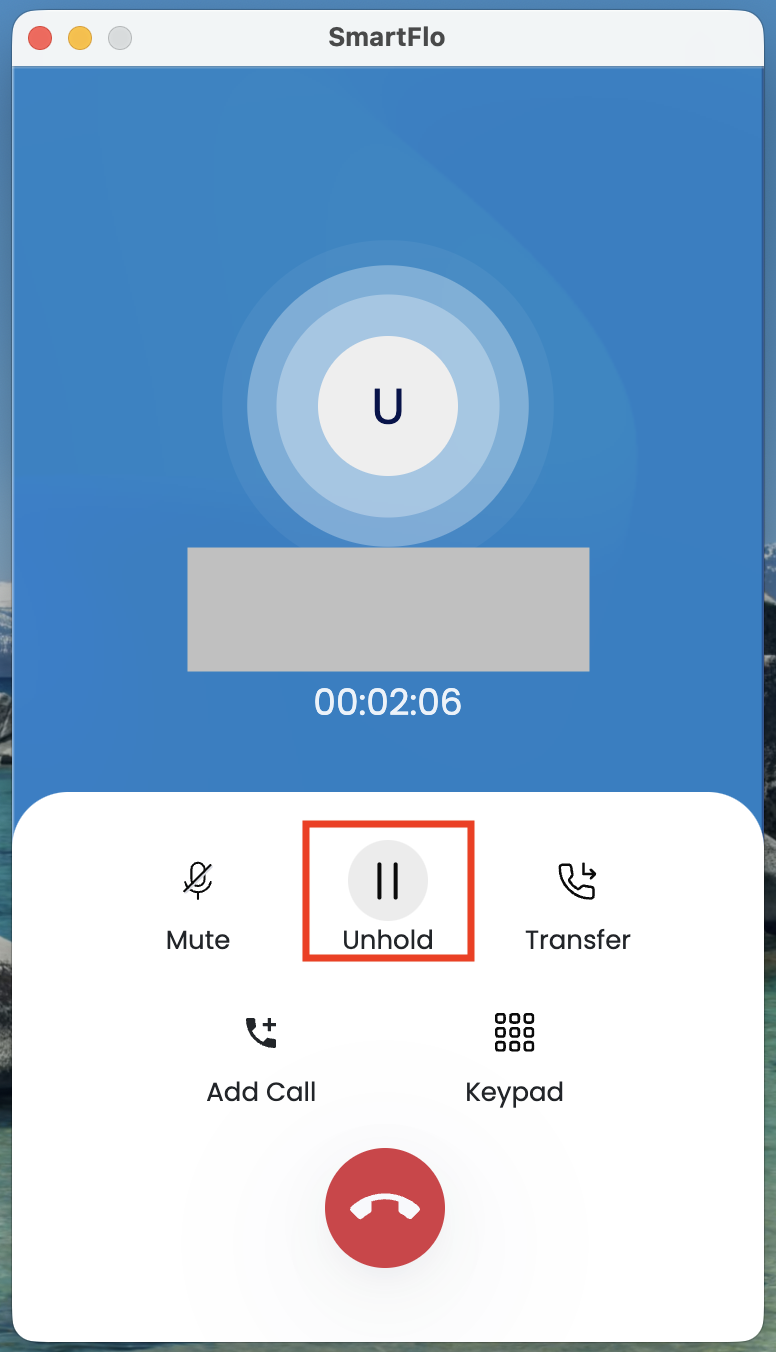
Click on Hold to pause the call
Click again to resume
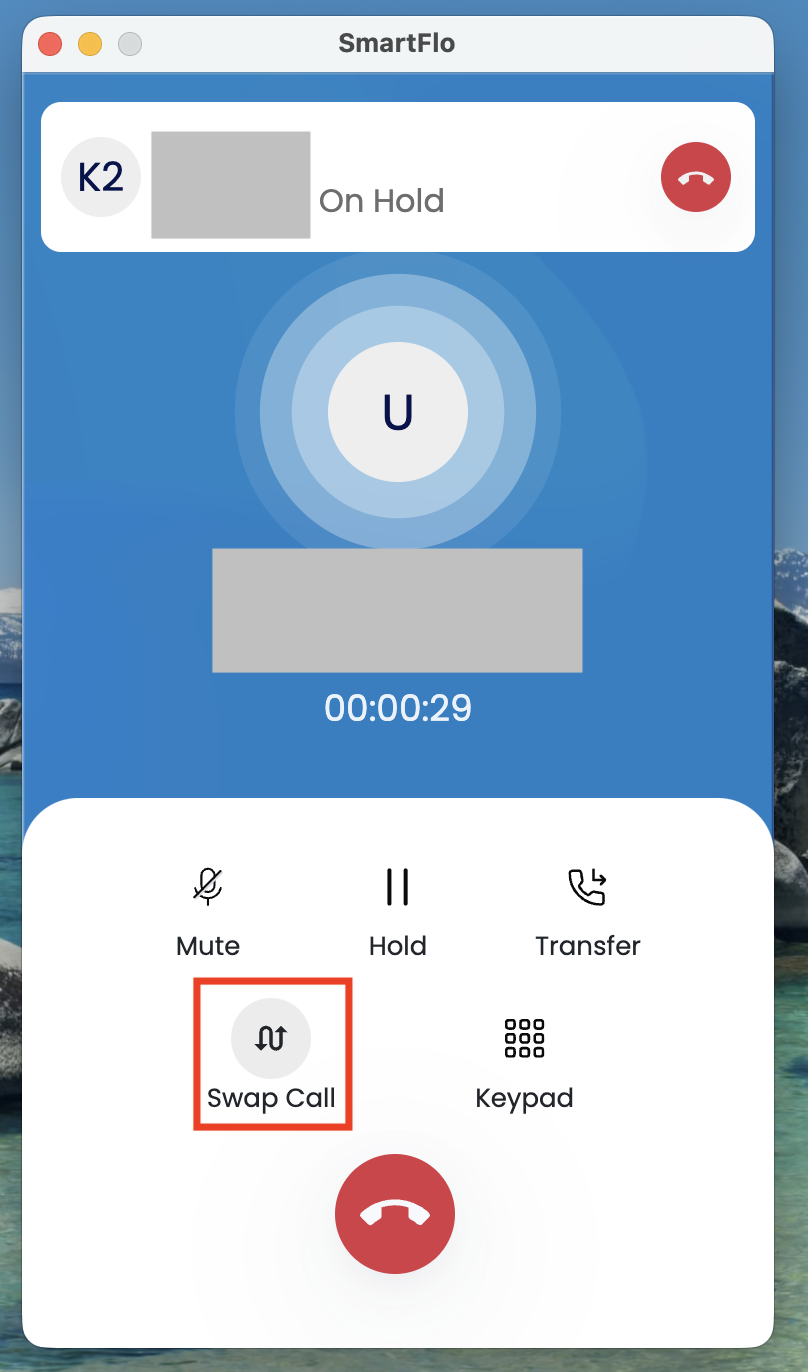
🔹 Add Call (Conference)
Click Add Call
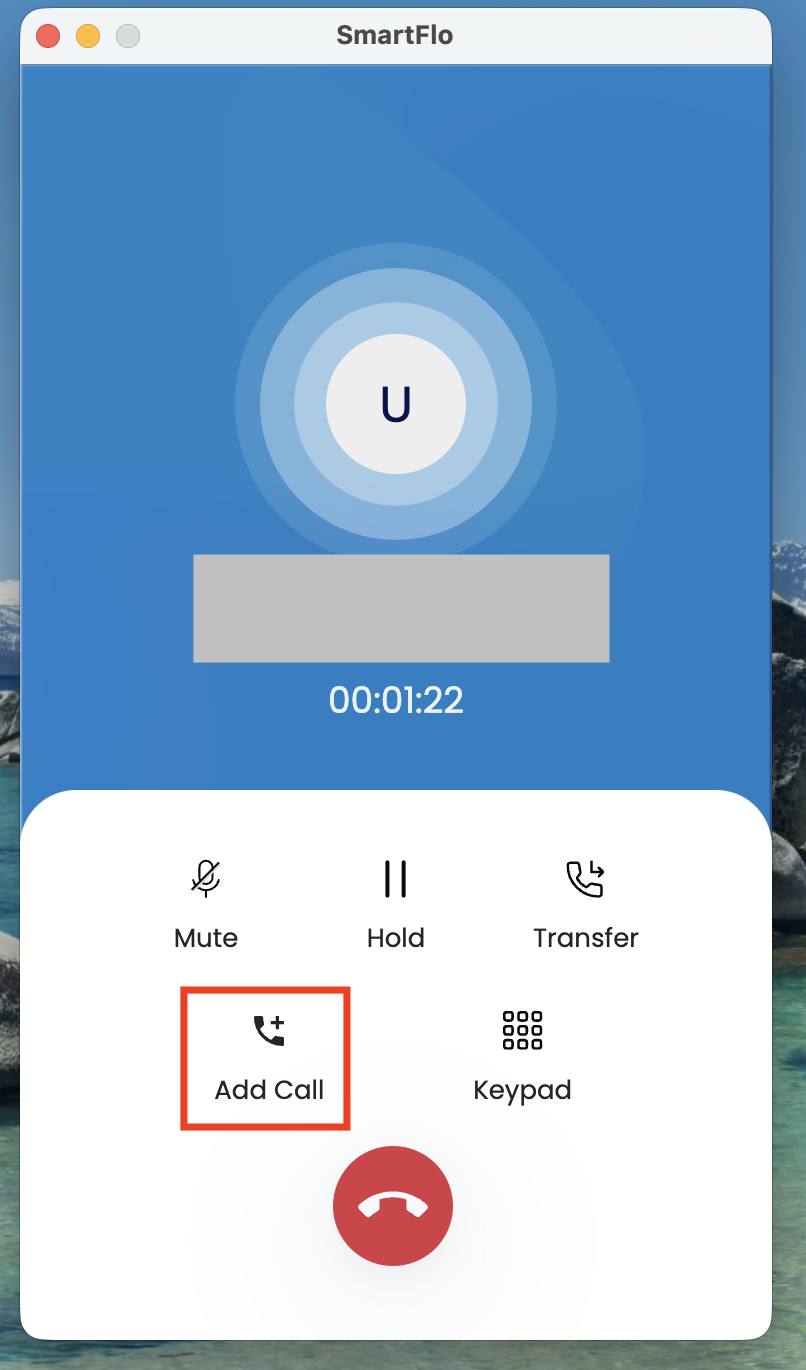
Dial another number
Merge calls
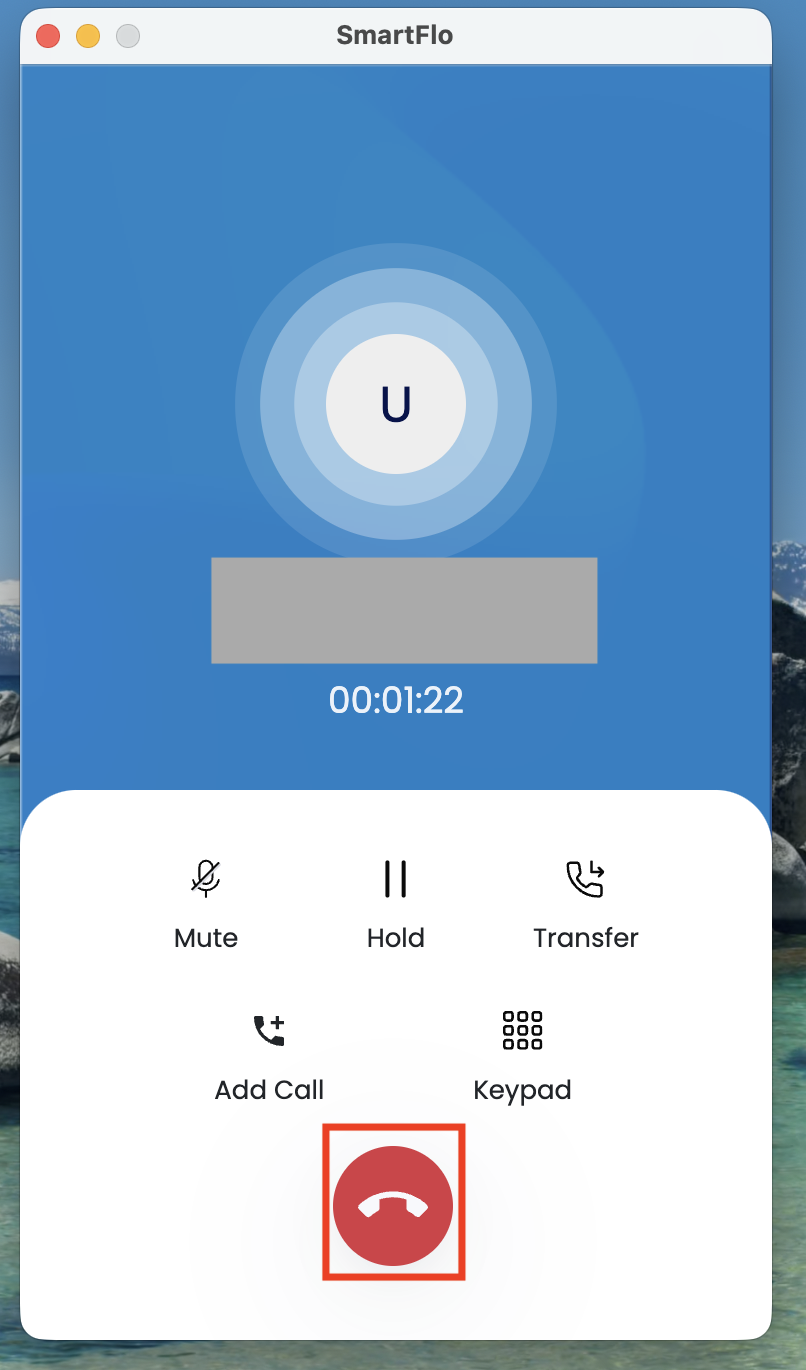
🔹 Disconnect Call
Click End Call
Call Transfer
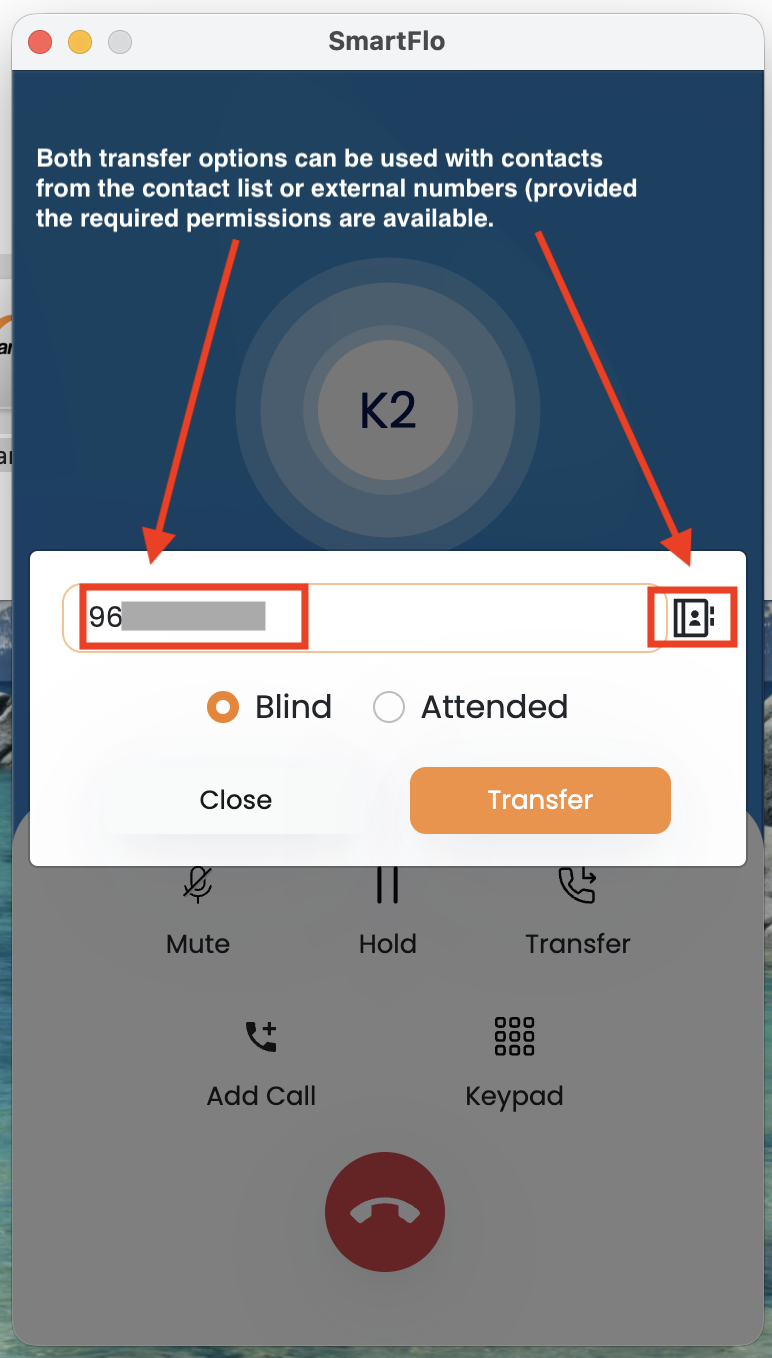
✅ Blind Transfer
The call is directly transferred to the selected contact or external number without any prior interaction. The agent initiating the transfer is immediately disconnected once the call is passed, and the recipient handles the call independently.
a) Select contact/number b) Transfer directly
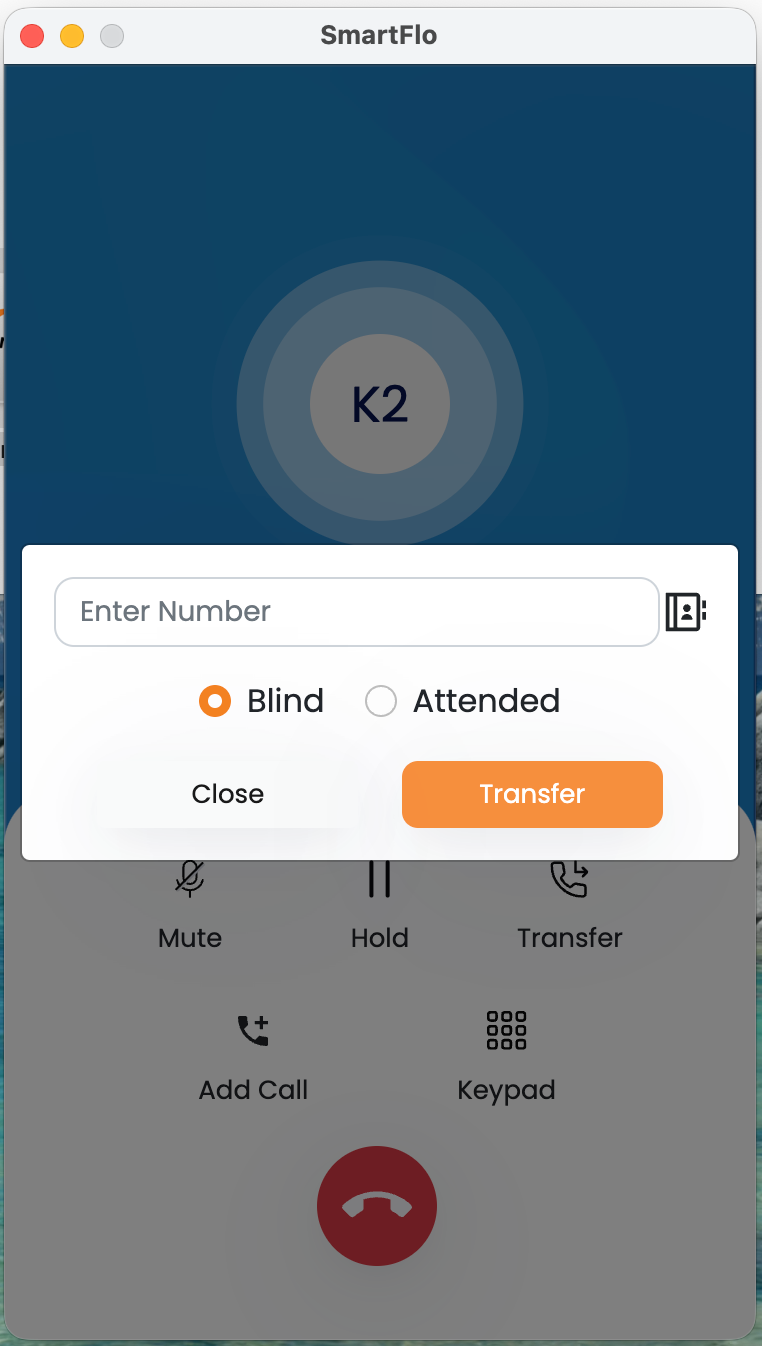
✅ Attended Transfer
The agent first connects with the target contact or external number before completing the transfer. This allows the agent to brief the recipient about the call context and ensure availability. Once confirmed, the call is transferred, ensuring a smoother handover.
a) Call the recipient first b) Speak and confirm
c) Complete transfer
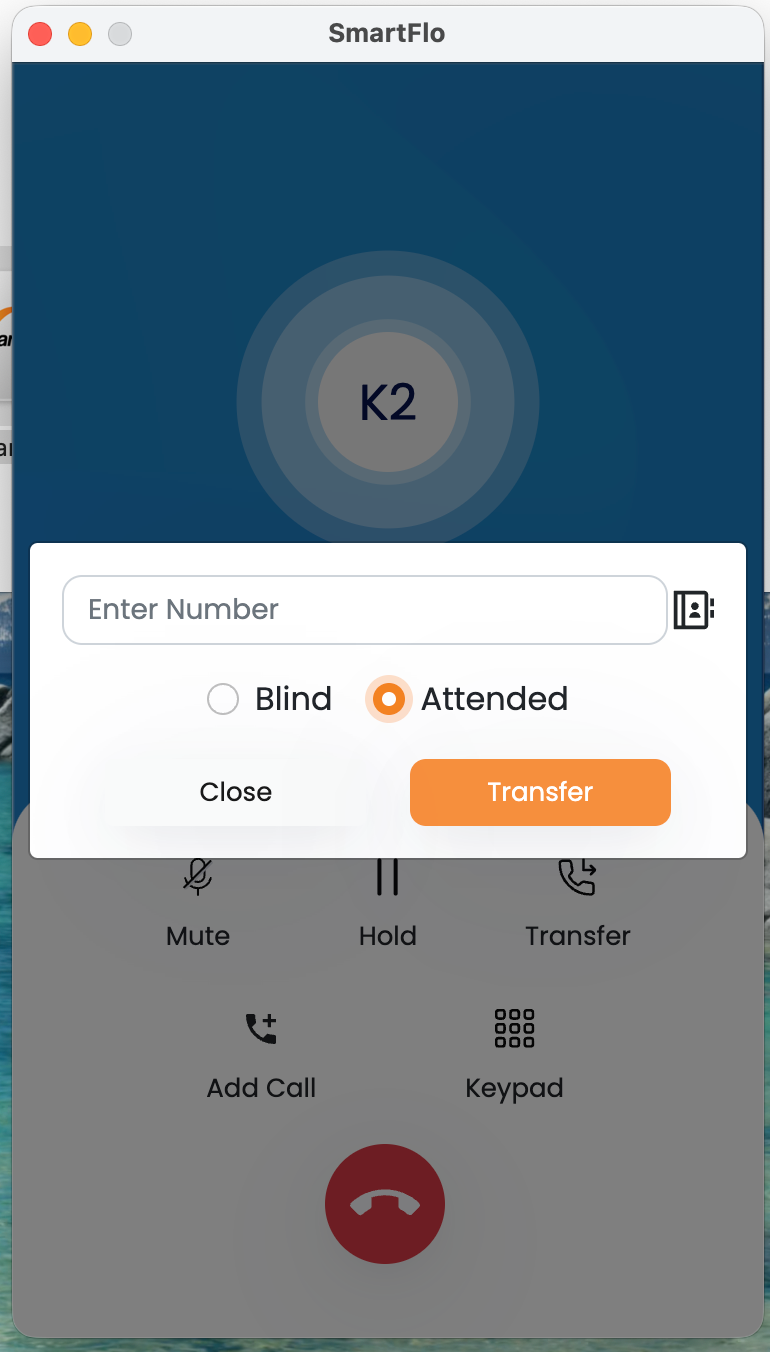
Both transfer options can be used with contacts from the contact list or external numbers (provided the required permissions are available.
Other Useful Features
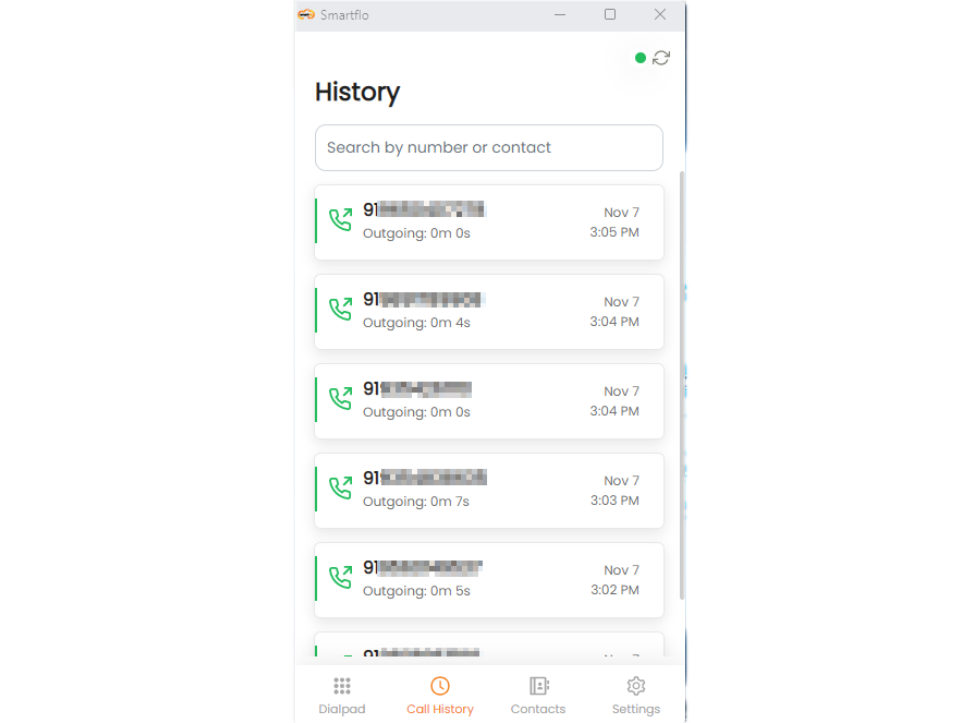
Call History
- Click on Call History to view the past dial numbers.
Contacts
- Click on Contacts to view your saved numbers.
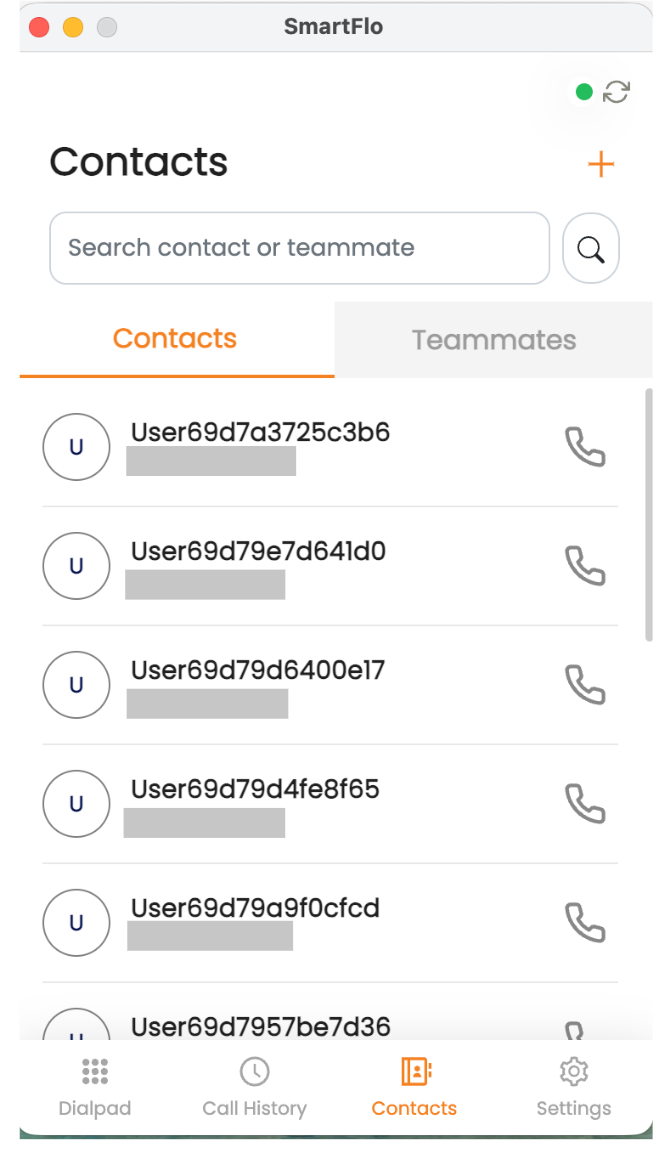
Add new contacts
If you want to add a new contact, please follow these steps:
- Click on the ‘+’ icon on the right-hand side.
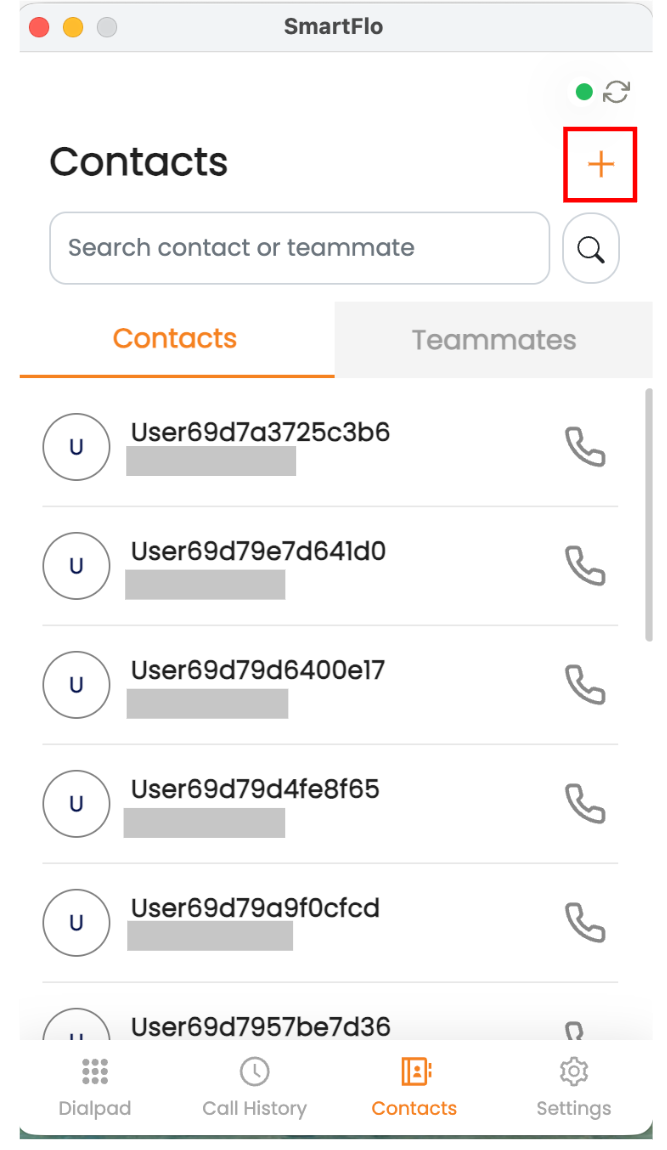
- Enter the name, company name (optional), and select the contact group where it should be added.
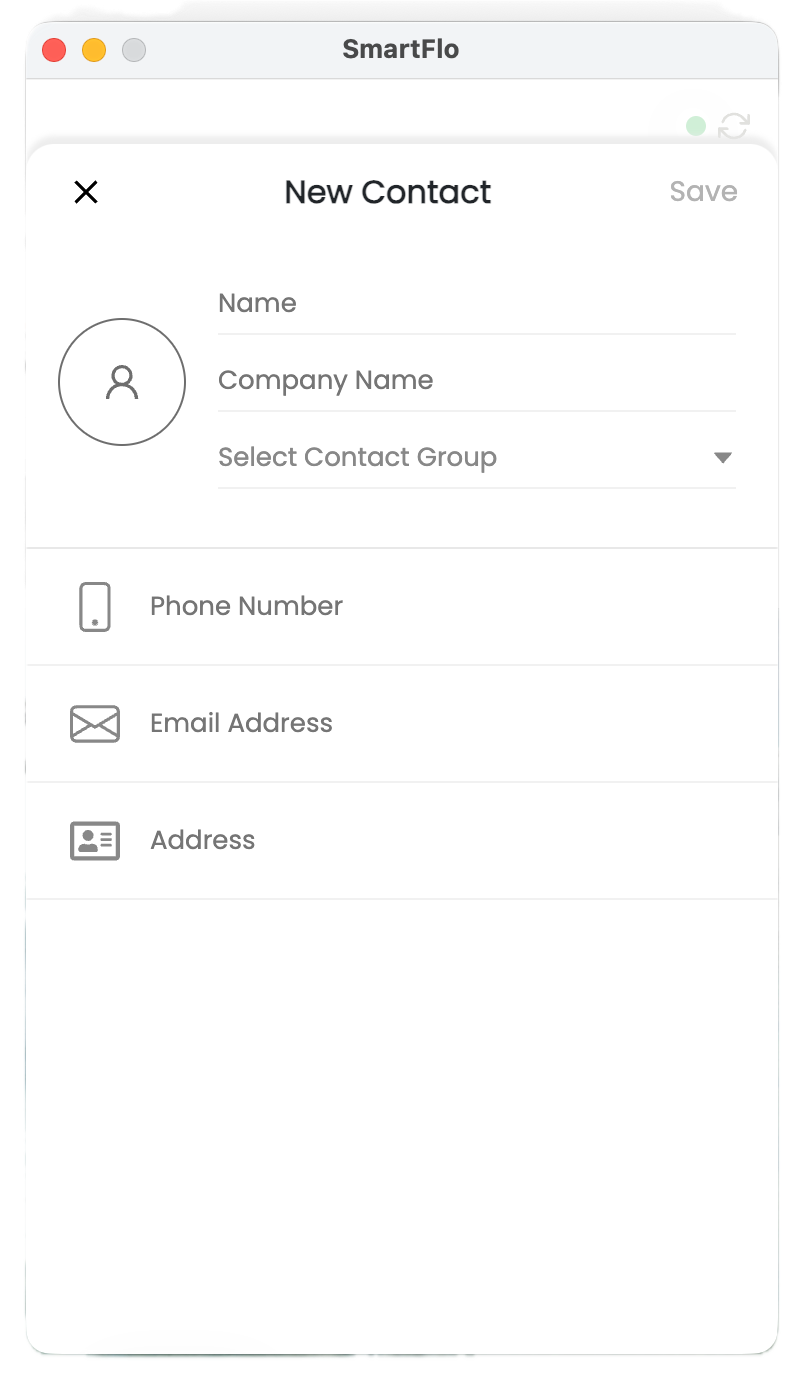
- Click on the ‘Save’ button.
Once the contact is created, you can search for it using the name or number whenever you need to dial again.
Teammates
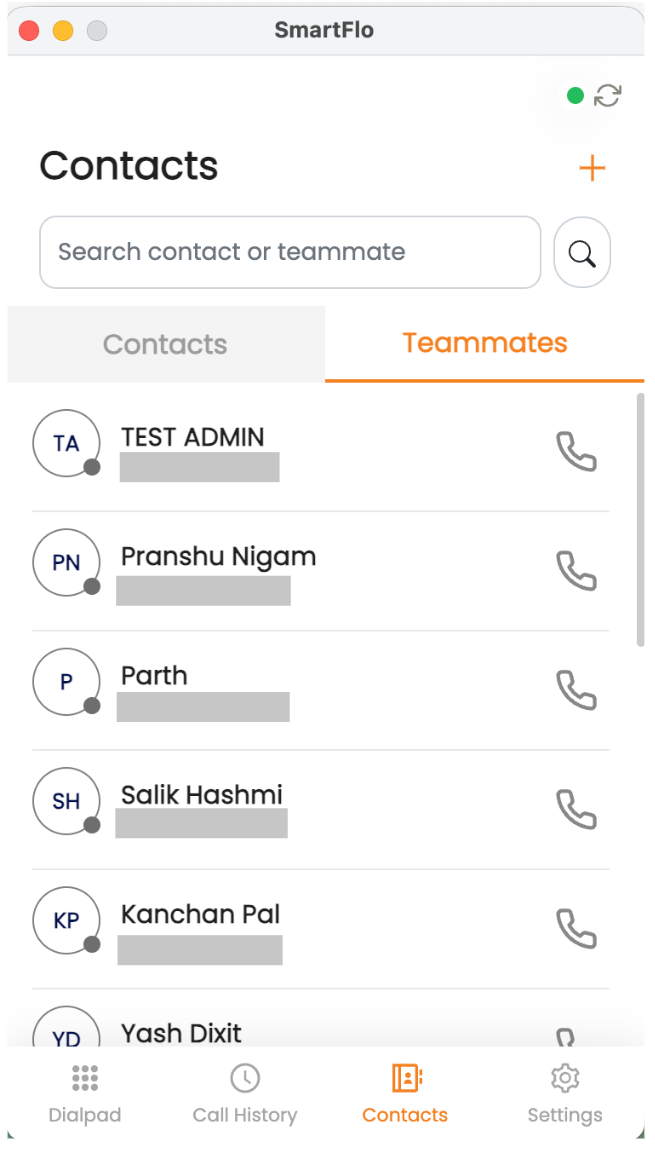
- Click the Teammates tab to view your team member number.
Note: Assigned agent should have the permission of Manage Extension to view the teammates.
Updated 4 months ago