
Settings & Preferences
⚙️ Settings & Preferences
- Click on Settings to view your profile, get help, and log out from the Smartflo softphone.
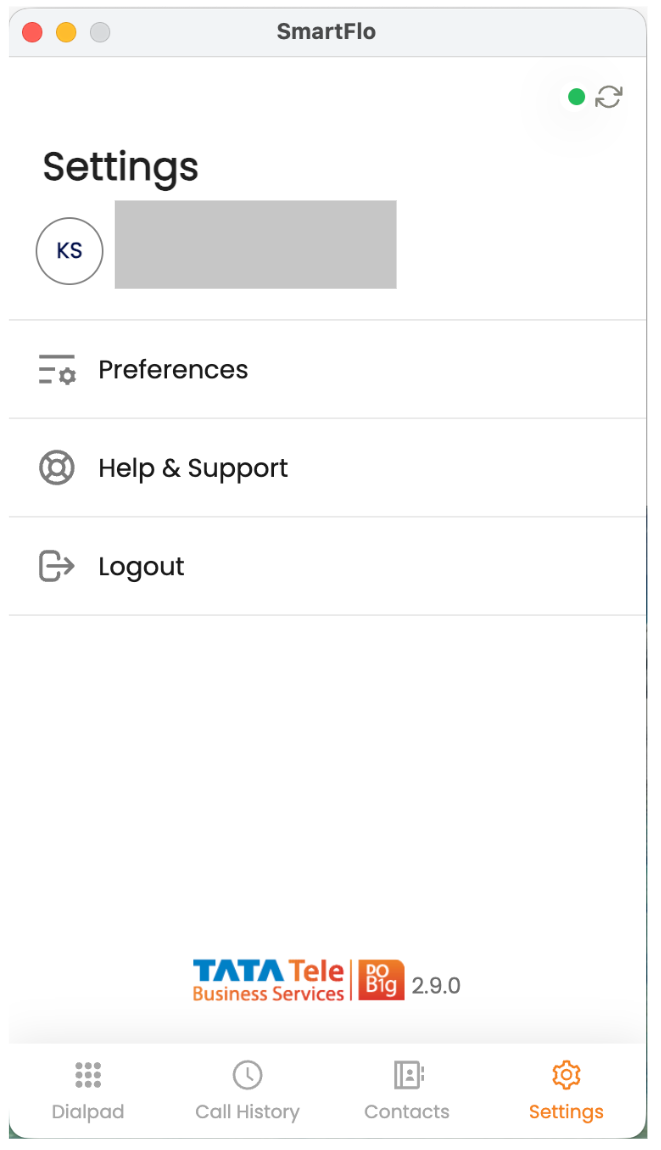
a. View your Username and Email ID.
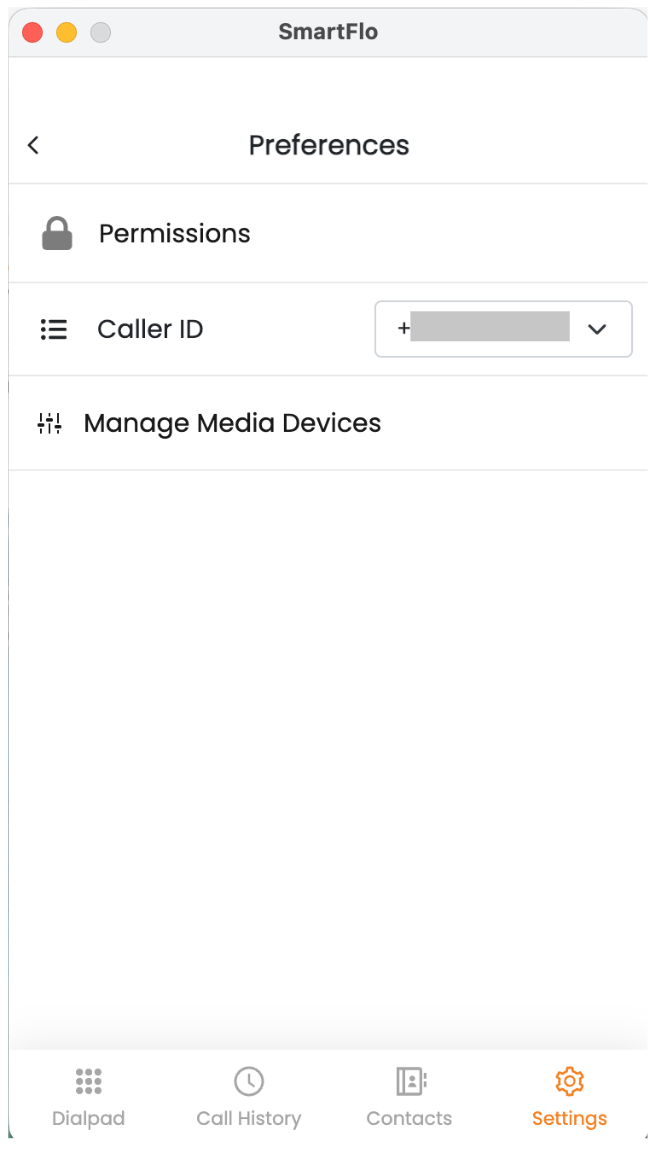
b. Click on ‘Preferences’ – it includes three sections: Permissions, Caller ID, and Manage Media Devices.
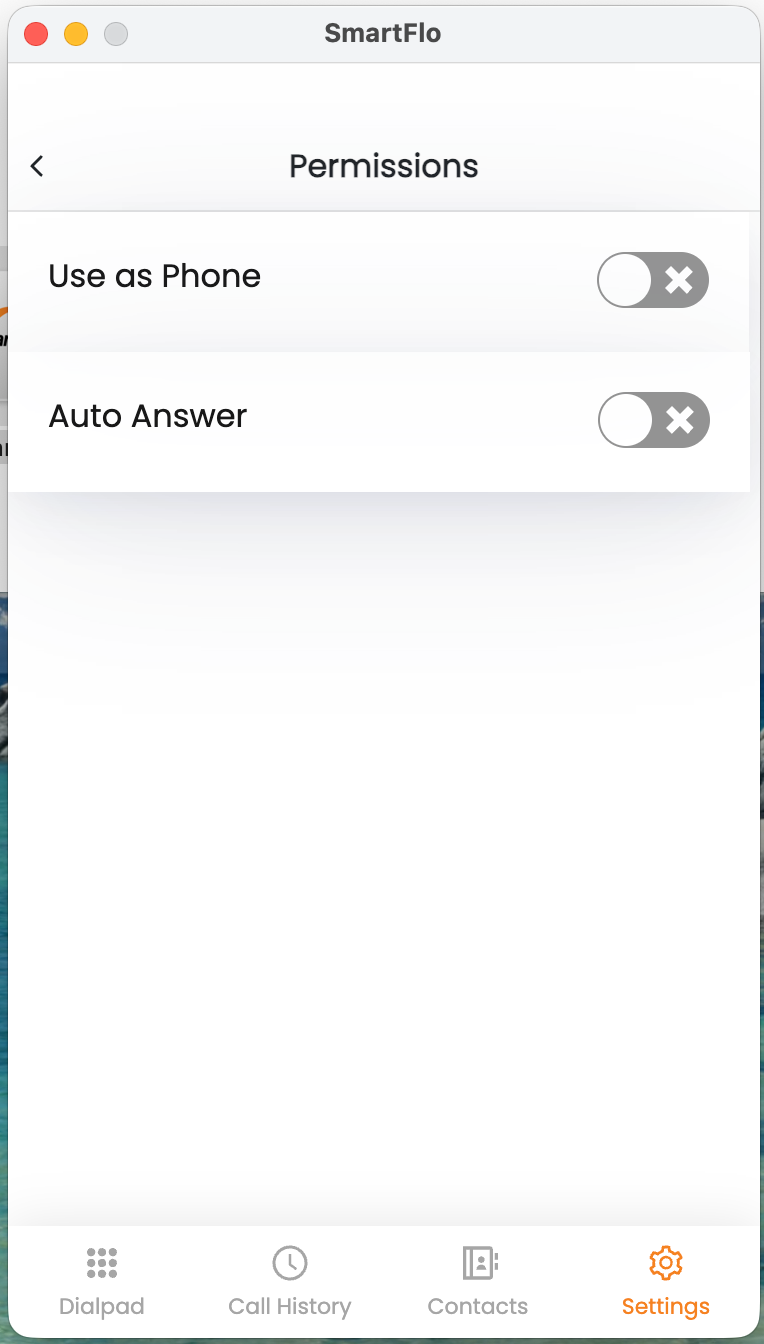
- Permissions: Here, you can choose between:
- Use as Phone – The system works like a mobile phone, where the agent receives the call on their mobile number first.
- Auto Answer – The call is automatically connected to the agent without requiring them to accept it.
- Caller ID: This section displays the list of DIDs. You can select the number that will be visible to both the agent and the customer when the call is connected.
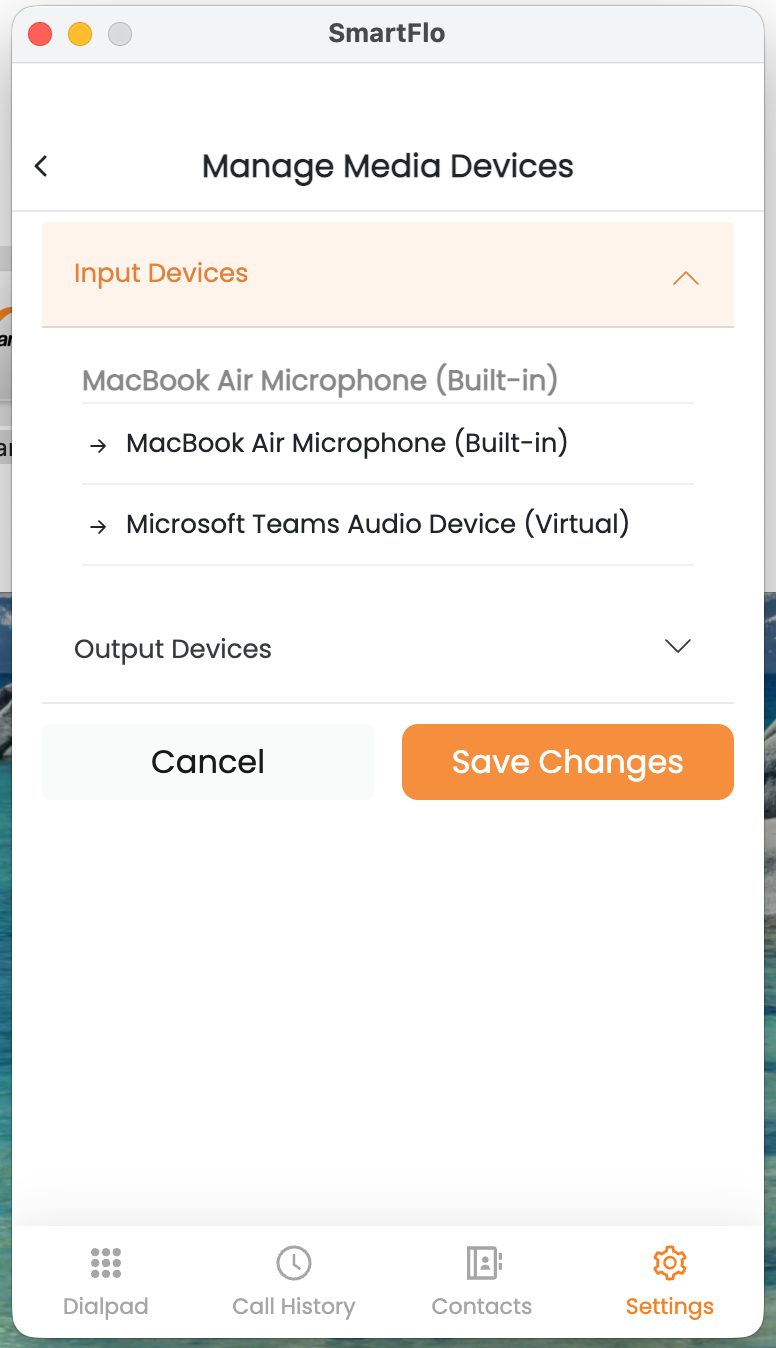
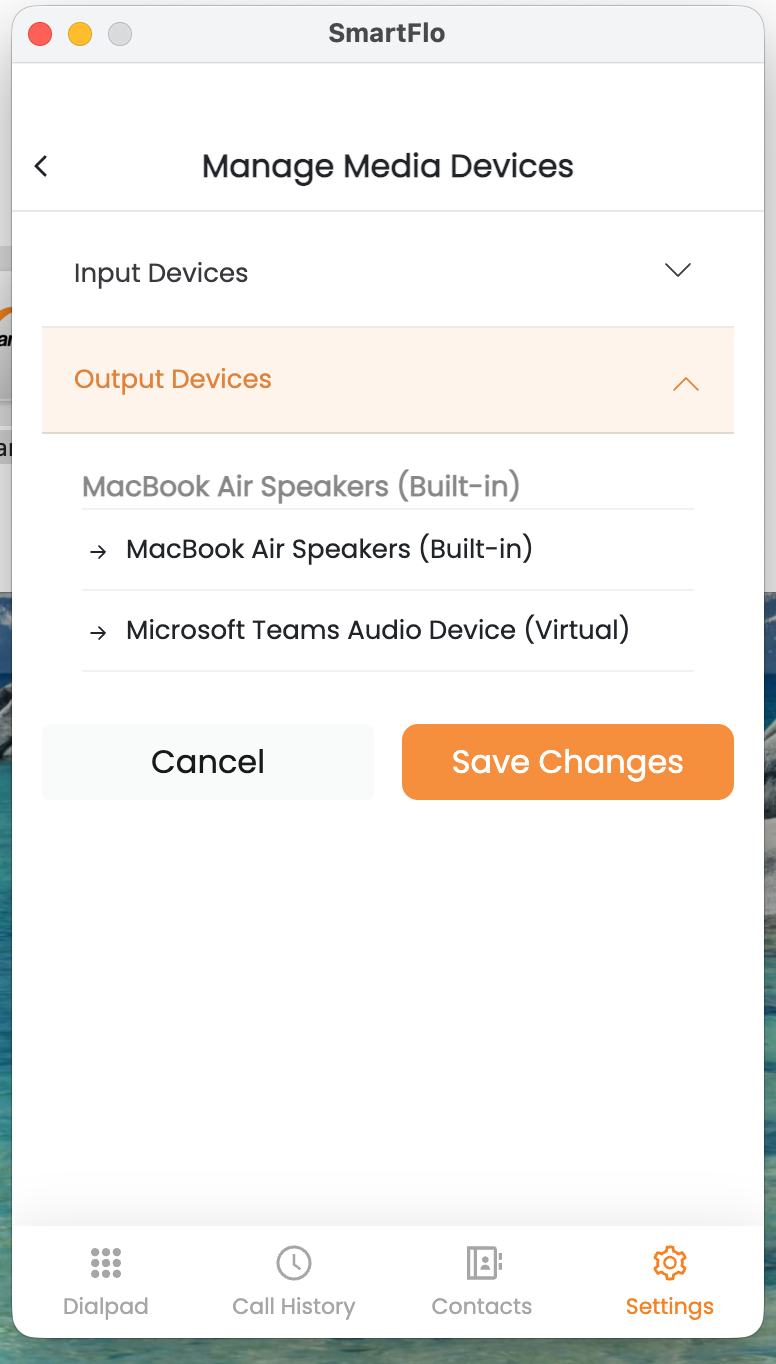
Manage Media Devices: Here, you can select the input and output devices (e.g., microphone and speakers) to be used during calls.
c. View help & support to clear common doubts.
d. Click to log out from the Smarflo Softphone.
Updated 4 months ago